
Large-scale
vvvv is built to run large-scale interactive spaces. No matter the number of PCs involved, it is your single entry-point to build and run distributed systems.
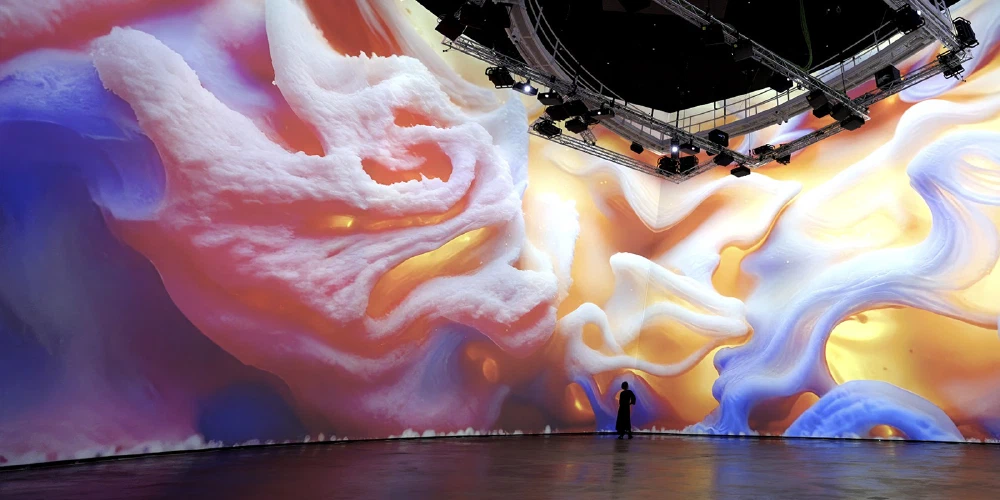
Distributed Rendering
When a single PC is not enough to render the number of outputs you need, simply scale your app across multiple PCs. An upcomming feature called “Boygrouping” keeps all your render machines n’sync. Any change to the program on the main PC is immediately replicated on all connected clients. Combined with vvvv’s live programming approach this gets rid of most of the overhead that comes with creating distributed applications.
Projection Mapping
Large-scale often means projection-mapping. Since requirements here are rather diverse, vvvv comes with support for different options:
The following projector auto-calibration systems are integrated:
- If you need any other existing system integrated, don’t hesitate to get in touch.
Alternatively vvvv also ships with tooling that helps you build custom projection mapping workflows. See the Projection Mapping section in the packs browser for all options.
LED Walls
When a single PC is not enough to drive a LED wall and perfect frame sync is needed across multiple PCs, vvvv supports the use of NVIDIA Quadro Sync cards to seamlessly drive large LED screens.
Lasers & Lighting
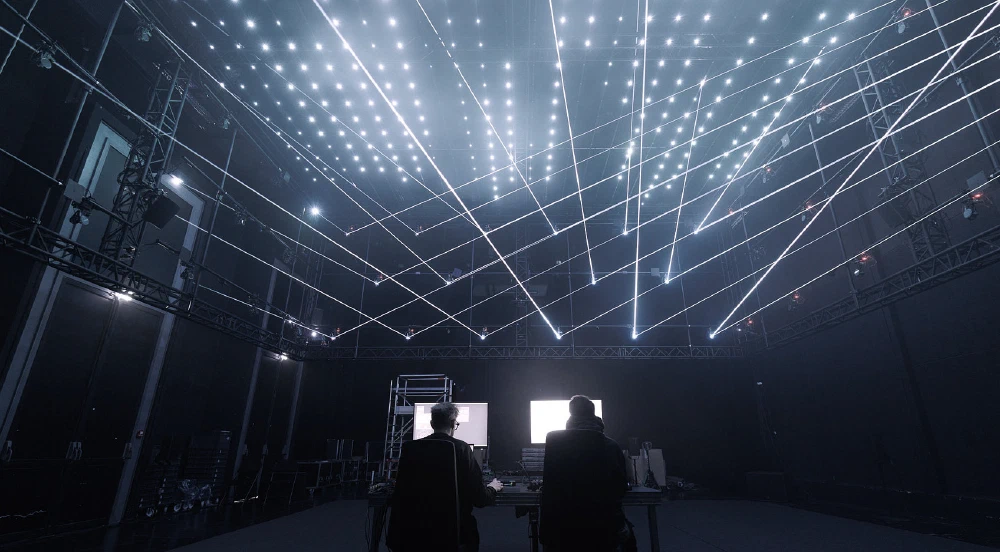
Apart from outputting to screens or projectors, vvvv allows you to create laser and light shows that go beyond playing back predefined animations. Realtime control for both technologies is available via a range of packs you can find in the following categories:
Interactive
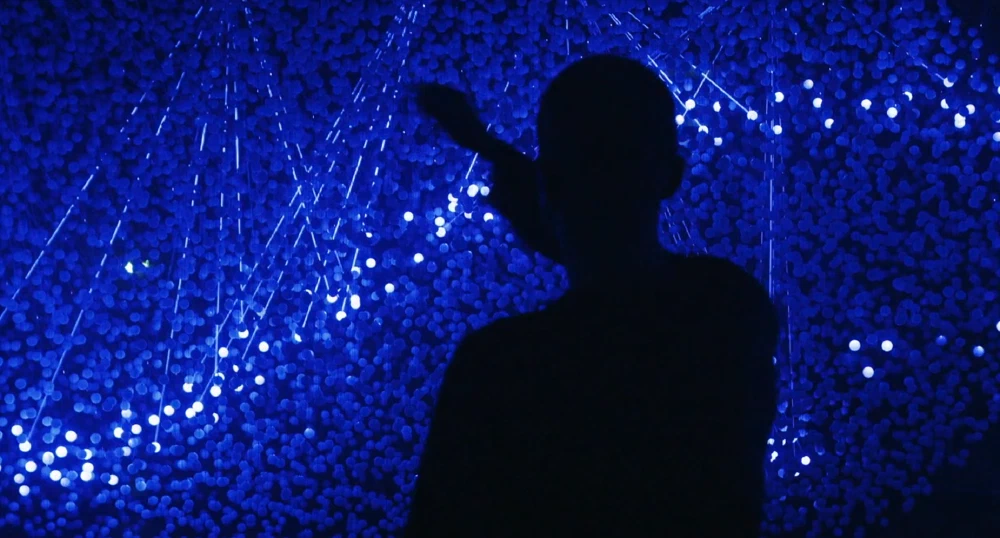
Interactivity is a wide topic and often involves external systems, sensors or protocols. vvvv brings them all together and connects them to realtime output.
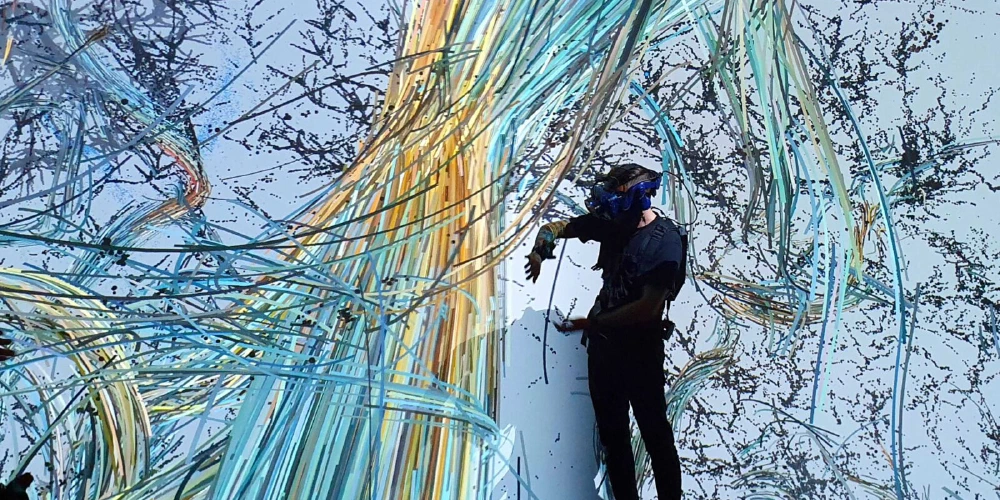
Crowd Tracking
For capturing interaction with crowds, vvvv supports the following tracking systems which give you positional data (and more) per visitor in large spaces:
Further, a range of depth sensors and lidars is supported that allow you to create custom solutions, see the Devices section in the packs browser for all options.
Motion Capture
Full-body, professional skeletal motion capture is supported via:
Further, a range of lower-cost options are available, see the Motion Capture section of the packs browser.
Multi Touch
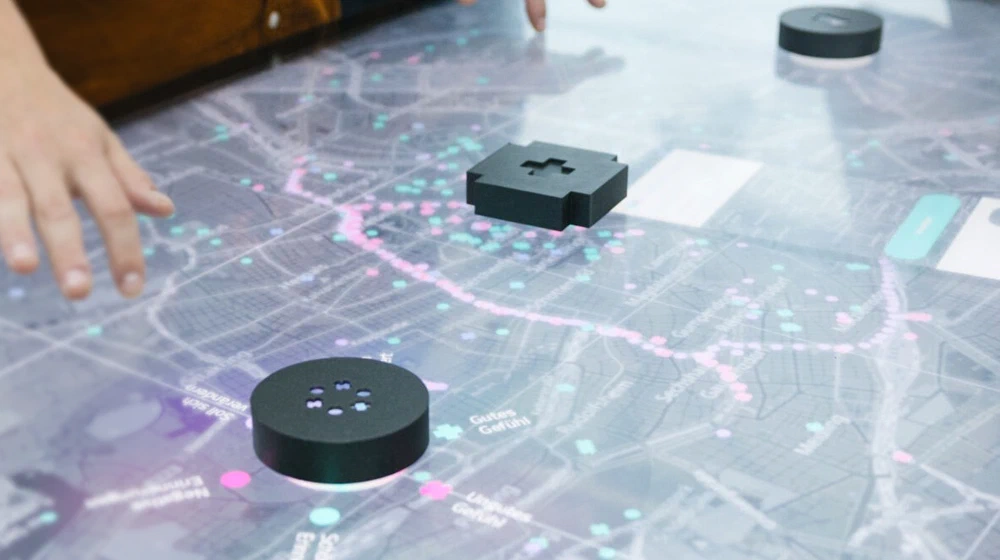
Be it for tabletop solutions, walls or floors using Lidars, vvvv has all it takes to build touch solutions at any scale:
- TUIO - The standard protocol for talking to tangible multi touch surfaces
- TrackObjects - To follow and identify objects over time and assigns them a stable and unique ID
- Rive integration including bi-directional data-binding
- CEF for rendering web content
Media Server
When off-the-shelf media servers don’t suite your needs, create your own with vvvv. All the components typically needed (video, audio, realtime graphics, lights, lasers) are there for you to customize and tailor to your specific use case. Combine with your own idea of a UI and finally export your media server as a windows app for easy deployment.
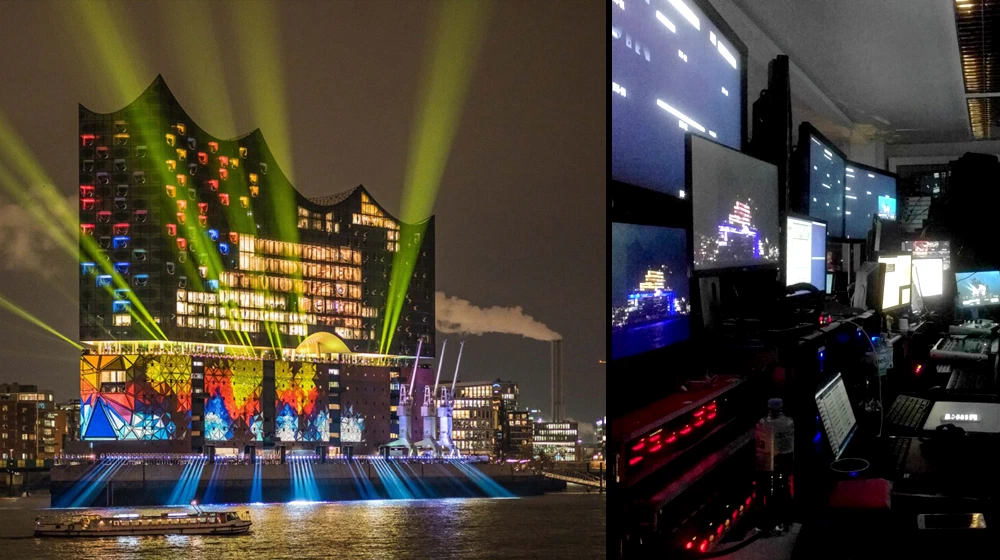
Audio, Video, Lights and Lasers
- Image sequence playback (.dds files for best performance/quality)
- Video playback based on Microsoft Media Foundation
- Projection Mapping support via multiple thirdparty integrations
- Shader based image effects (TextureFX)
- Multichannel audio engine with VST3 audio plugin integration
- Support for protocols to control stage lights
- Support for Lasers plus a set of nodes to generate paths with blanking
Realtime Graphics
- Stride based 3d/VR rendering engine
- Skia based 2d rendering engine
- Rive integration including bi-directional data-binding
- CEF for rendering web content
Integrations
When it comes to running content of other engines or media servers through vvvv or the other way round, running vvvv content through other media servers or engines, there are not limits. It always comes down to parameter and texture sharing (think Spout) and can be realized in many ways. If you need a hand with this, we’d be happy to help, please get in touch.
Plugin Architecture
When building a large modular media server, at some point you’ll want it to support a custom idea of plugins. Check out this demo app with plugins to learn how to set this up.
User Interfaces
- Dear ImGui for building custom bi-directional UIs
- Various other solutions
Rapid Prototyping
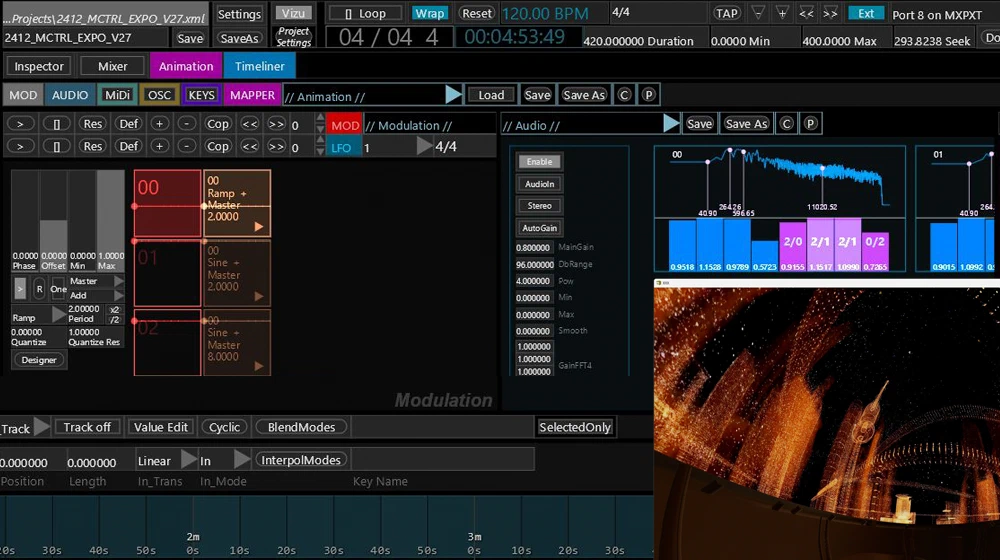
vvvv is made for rapid prototyping. A quick setup, effortless iteration, limitless connectivity and simple deployment are key to building any realtime media application.










Quick Setup
Getting vvvv up and running takes less than 2 minutes. The download is minimal, there is no signup or registration procedure and no copy-protection that would prevent you from installing vvvv on as many devices you need. Within 2 minutes you have access to the full possibilities of vvvv without any artificial limitations.
Effortless iteration
vvvv has one mode: Runtime. Any change you make is immediately applied, no need to restart or wait for a compilation.
Data running through your app can be explored and manipulated at any stage which is essential to debugging and tweaking applications that work with live user input.
Limitless Connectivity
vvvv can talk to a wide range of protocols and devices using individual packs. These can be installed at the click of a button using the built-in package manager.
For a listing of what’s available, check out these sections in the online packs browser:
Simple deployment
Deploying an app created with vvvv takes a single click, which exports a windows application. There is no need to deploy vvvv itself, simply share the export with anyone and they can see/test your app. For more, see Deployment.
Visual Live-Programming
vvvv is a visual-first and fully live-programming environment. While it is possible to develop parts of your applications also using traditional text coding, this is mostly a preference but hardly ever a necessity.
One mode: Runtime
No matter if you “patch” visually or you write parts of your code in C#, any change you make is live. Compilation is happening in the background and you don’t have to wait for your program to restart, think: State Hot-Reload. This allows for rapid prototyping and is extremely benefitial for creating and debugging realtime interactive applications.
The Visual Language
VL is what we call the visual language in vvvv. Its main features are:
- Code regions like loops and conditionals
- Allows you to apply design patterns known from object oriented, functional and reactive programming
- Parts of your programs can run async or on different threads
- Programming features like generics and delegates give you full flexibility
- Staticall typed
- No limit in datatypes. Besides the primitive built-in types you create your own datatypes as needed.
- You can reference any .NET library
Developer Friendly
vvvv is generally developer friendly. One can think of it as a development environment for the .NET ecosystem in which sense it is comparable to Visual Studio and Rider.
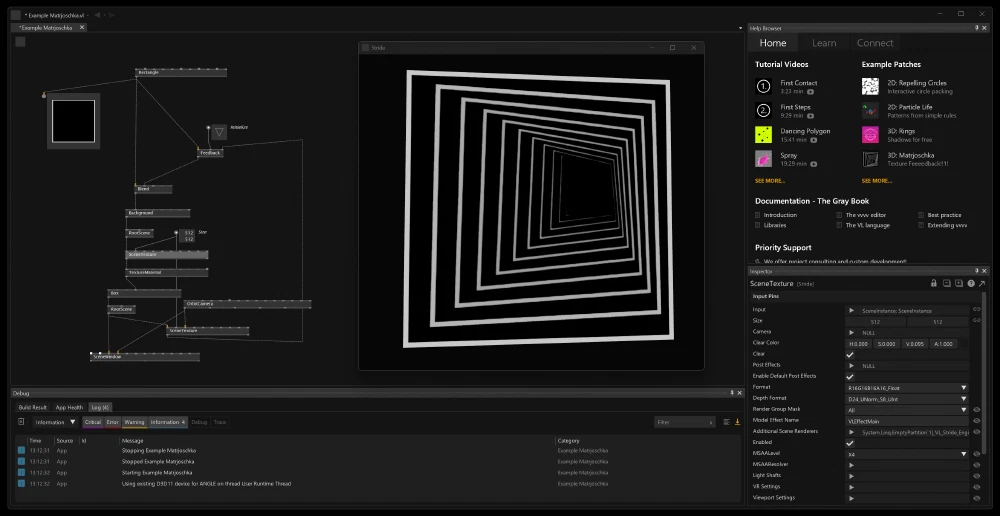
The key difference is vvvv’s focus on visual live-programming which benefits applications that require rapid prototyping or have IO that goes beyond the standard mouse/keyboard/touch-screen.
Multi-language
vvvv is a visual-first development environment. There isn’t much that you couldn’t express with vvvv’s own visual language VL. It combines features known from object-oriented, functional as well as reactive programming and as such is quite versatile.
But that’s not all, vvvv also supports the following text languages:
- You can write parts of your apps using C# or F#
- If you prefer Python, see how CSnakes allows you to embed Python code into .NET projects
- For shader coding vvvv uses SDSL which is a superset of HLSL
Version Control
One of the challenges with visual programming often is version control. We haven’t solved this entirely but two aspects make vvvv quite version control friendly:
- Projects can easily be split into as many documents as feels appropriate for a project to prevent conflicts when working in teams
- Documents are saved in text format and can be merged using the git mergetool we provide
Distributed Rendering
vvvv is built to facilitate the creation of large-scale installations out of the box. Orchestrate any number of PCs from a single primary to run your apps across numerous outputs. What others call nDisplay, we call “Boygrouping”.
Exposing parameters
Three things make it particularly easy in vvvv to quickly build control surfaces for parameters of an application:
- Public Channels to reason about app wide parameters
- RCP support to get an instant Web UI over public channels
- Dear ImGui integration for building even complex control UIs in no time
Debugging
vvvv comes with a range of debug views that include a log view that helps identify issues in your patches and jump to the source of messages at a click.
Since VL compiles to C# using Roslyn, it is possible to attach a debugger and set break points in C# for advanced debugging purposes.
Observability
The ability to observe the behavior of your applications over time, regarding logging and metrics is key when it comes to developing more complex projects. Being a development environment for .NET allows vvvv to take full advantage of all the features and technologies available in the .NET ecosystem. No need to reinvent the wheel, pushing structured data to a dashboard like Grafana for analysis, is solved.
Profiling
Here again, vvvv can leverage all the tooling available in the .NET ecosystem. This includes tools like the performance profiler dotTrace and the memory profiler dotMemory.
Modularity
When installing vvvv, you only get the most basic feature set. Any additional library you need is available as a quick install. The built-in package manager gives you one-click access to a wide range of packs built specifically for VL but also the whole nuget.org catalog of libraries.
Open Source
While the core of vvvv (editor and compiler) are proprietary, all libraries are open-source. This means not getting stuck when you’re facing a bug or missing a feature. In addition, being able to inspect libraries down to the bits is also a great learning resource.
Deployment Options
vvvv offers multiple deployment options, including a commandline compiler. This allows to include the export of vvvv apps in automated build processes.
No DRM
Finally, what makes vvvv really friendly is the fact that it doesn’t assume you want to steal it. Therefore it doesn’t need any form of copy-protection (activation procedure, dongle,…) that always gets in your way when you least need it.
Any installation of vvvv is a full, unrestricted version. No questions asked. And you simply buy licenses as needed.
Extendability
vvvv is not a monolithic software. Its core is rather slim with many optional packs to augment its functionality.


If you’re still missing a feature, here are your options:
- Get in touch, we offer custom feature development, support and consulting
- Help yourself by writing a custom node or an editor extension:
Custom nodes
The simplest way to create custom, reusable nodes is wrapping a group of nodes away in a new node. Do this for a bunch of nodes and create your own reusable pack of nodes which you can share on nuget.org.
Alternatively custom nodes can be written in pure C# or F#. No proprietary plugin-wrapping boilerplate code is needed. Any method written in code is available as node in VL, meaning simple nodes really just take a few lines of code.
If you know how to write code, extending vvvv with your own nodes is trivial.
Editor Extensions
Editor extensions allow you to extend the vvvv editor with your own tools. For a listing of available extensions, see Extensions. To create your own, see Editor Extensions in The Gray Book.
Deployment
For deployment, vvvv offers full flexibility. Whether you prefer to ship your code as an app or rather have vvvv itself running on premise, it is up to you to decide.
Export
The first option is to export the program to run it as normal app (*). It can be wrapped in an installer and handed to clients who don’t have to know anything about vvvv in order to run it.
Like this, apps created with vvvv can also be shared via online stores like:
 Steam Store
 Microsoft Store
There is also a commandline compiler that allows for automating builds without having to open vvvv.
This form of deployment is included with any commercial Developer License.
(*) As of vvvv 7.x the following exports are supported:- Windows: Desktop and Console apps
- Linux, MacOS: Console apps
Device License
The alternative to an export is simply running vvvv on the target PC. Like this, a program stays fully inspectable and editable while running.
This form of deployment requires a Device License per instance of vvvv running.
Embedded YouTube Video
When playing the video, you accept the YouTube privacy policy.
Contact
Imprint
vvvv - Dießl & Gregor GbROranienstrasse 10
10997 Berlin/Germany
VAT: DE275566955
groupӘvvvv.org
Follow us


