
Note:
UPDATE: There is also a similar tool that is open source, see this blog post: debug-dx11-frames-with-renderdoc
Just a quick one found today and everyone should know about. Nvidia Nsight Graphics works just fine with vvvv and dx11. This can help to profile your graphics performance and find bottlenecks.
The steps are pretty simple:
Download and install: https://developer.nvidia.com/nsight-graphics
Start the application, click “Quick Launch” and you should see this screen:
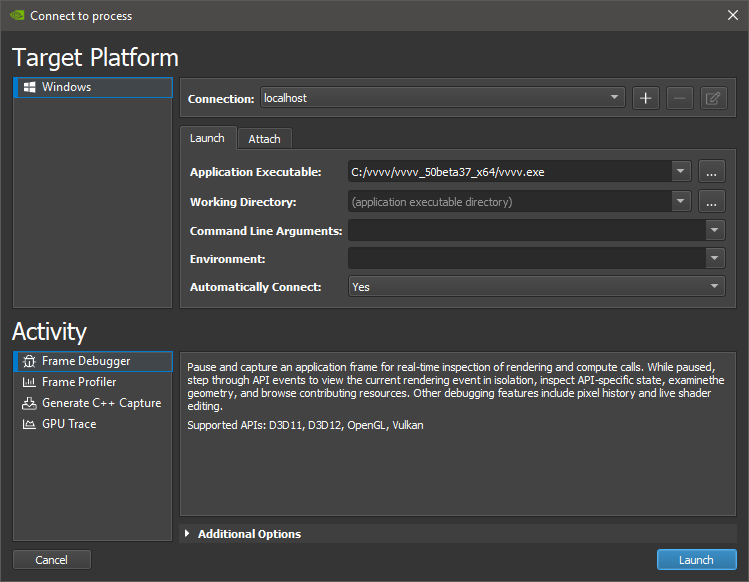
Add your vvvv.exe and press “Launch”
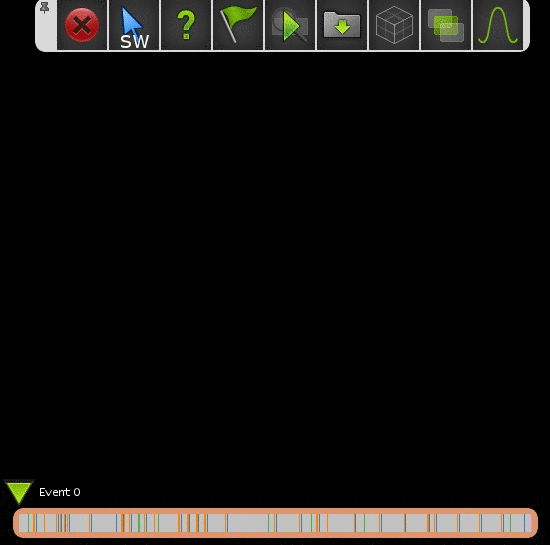
Load any patch/scene with dx11 and you should see some Nvidia HUD in the renderer
Press CTRL+Z and then SPACE to capture the latest frame and bring up Nsight
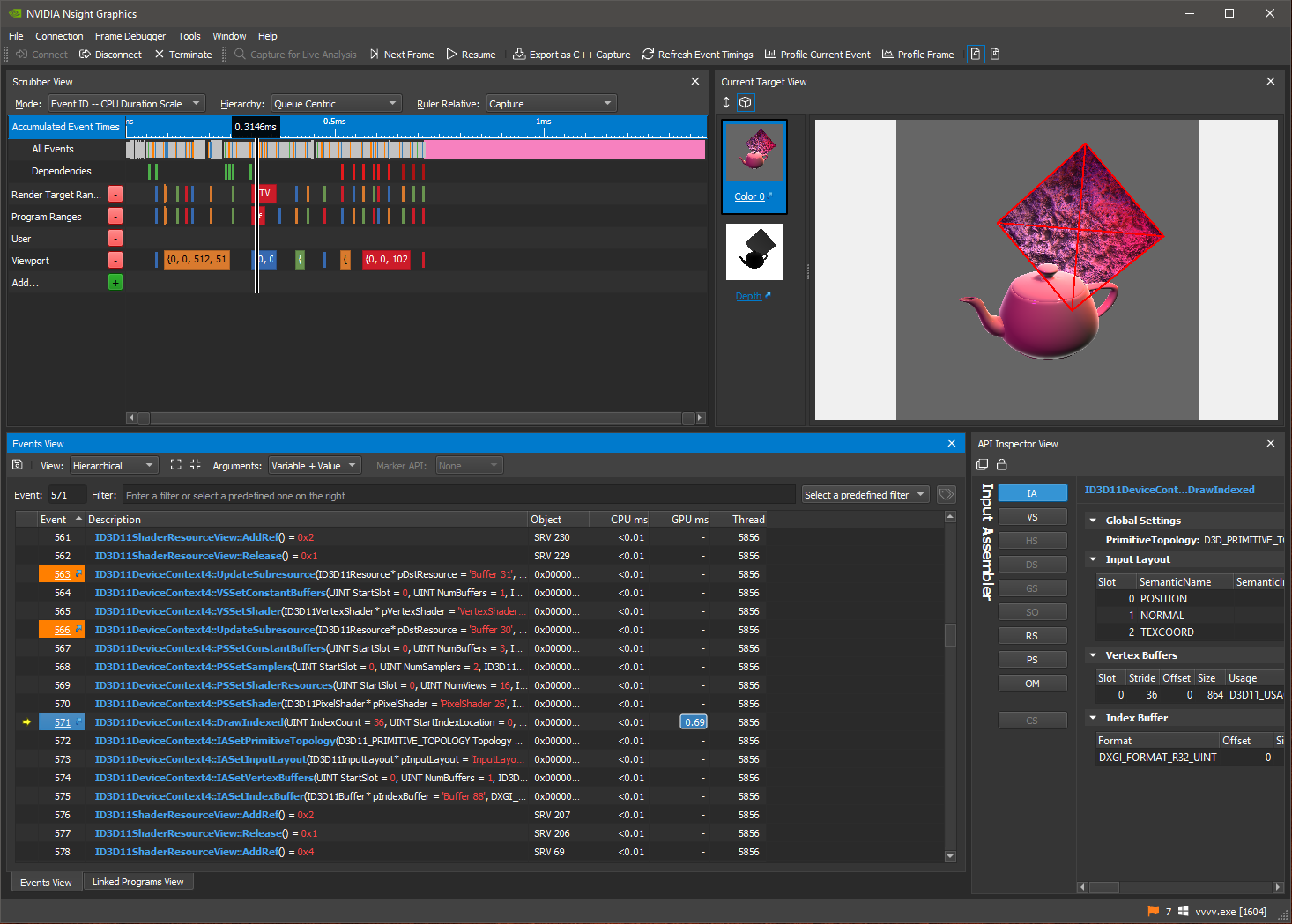
Now you can inspect your frame like this:
Or have more details, timeline, API calls, timings etc. in the Nsight application:
That’s it, just so you know. Yours, devvvvs


Comments:
Comments are temporarily disabled.